
Add Mənzil.ai to your home screen
Analysis in one tap. Any bina.az listing, straight from your phone's share menu.
Why install?
From your home screen
No need to open a browser every time - just tap the app icon.
Share menu
In bina.az: tap Share → Mənzil.ai. Link is analyzed instantly.
Everything familiar
Your account and history stay the same - just opens faster.
How to install
1
Tap Install
Use the button below or Chrome's menu → Install app.
2
Find it on your home screen
The Mənzil.ai icon appears on your home screen, opens like a regular app.
3
Share from bina.az
On any bina.az listing: Share → Mənzil.ai. Analysis ready in seconds.
How the share menu works
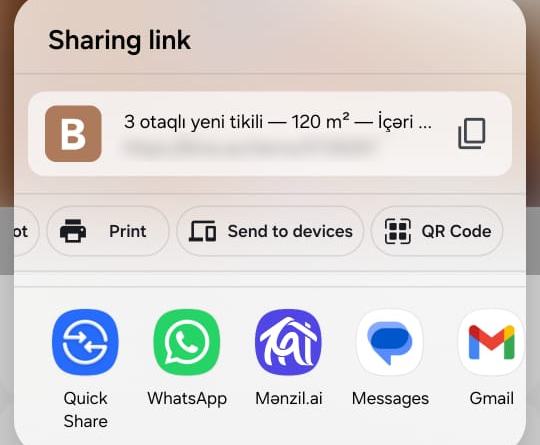
Tap Share on any bina.az listing and pick Mənzil. The link comes to us and gets analyzed automatically.